


Start of main content

Run your email marketing

by just asking.


Connect Drip to Claude, or any MCP client, and just ask.Pull live performance, get campaign ideas, and take action without ever leaving the chat.

RevenueChatTransparent
RevenueChat-ezgif.com-video-to-gif-converter

Your favorite AI now talks to Drip.

Understand your data

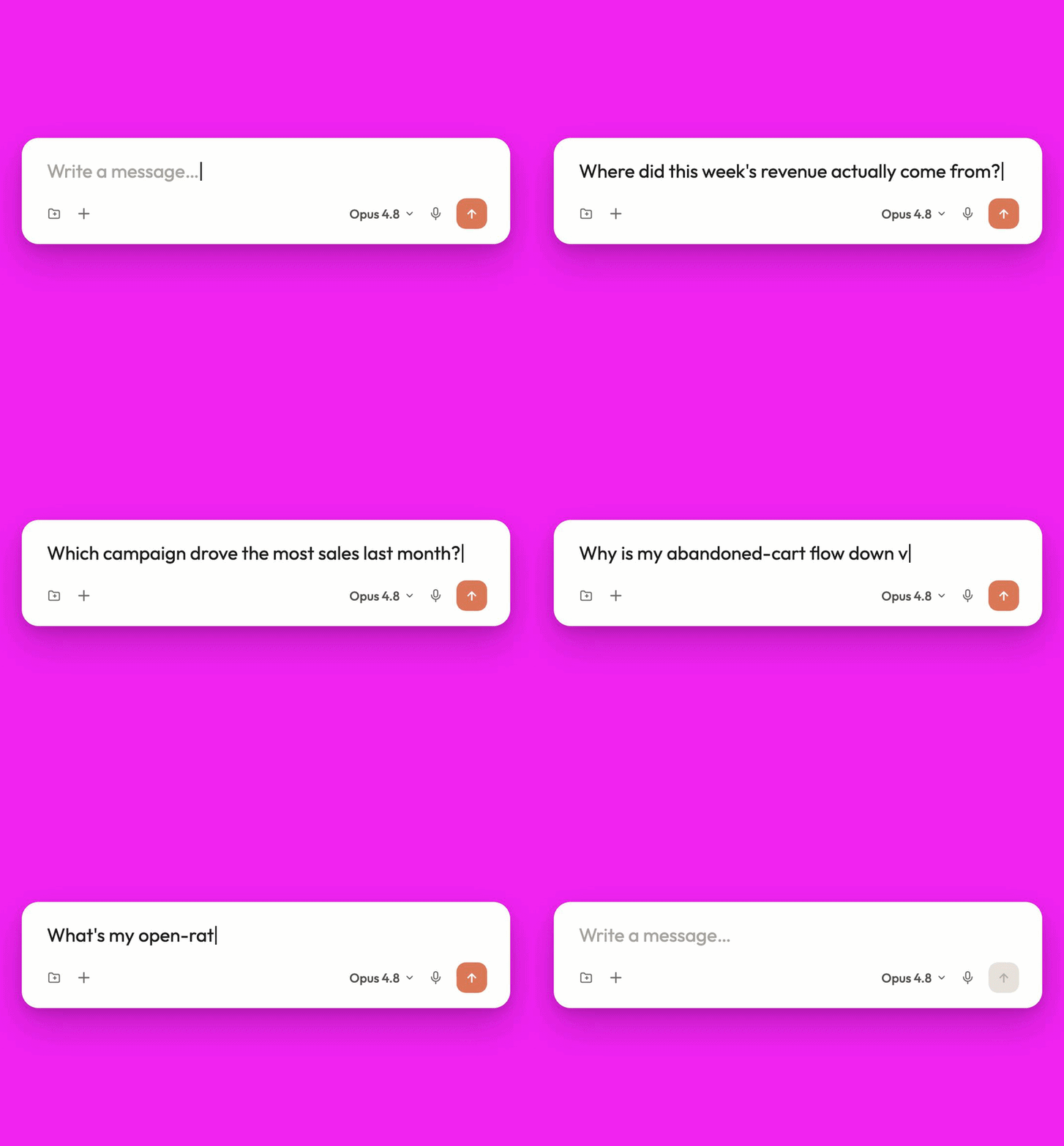
Where did this week's revenue actually come from? Stop hunting through dashboards for the answer. Just ask, and your AI digs into your Drip data and tells you straight: what's up, what's down, and why.
RevenueChat-ezgif.com-video-to-gif-converter

Decide what to do

So you've got the numbers. Now what? This is where most tools leave you staring at a chart, guessing your next move. Ask instead, and find out what's working, what's leaking, and where you're leaving money on the table.

DecideNext

Create based on your data

Found the gap? Don't switch tabs to act on it. Build the campaign, tweak the segment, and launch right there in the chat. You go from "why did this drop?" to "done" without leaving the conversation.

CreateInChat-ezgif.com-video-to-gif-converter

Connect your Drip Data. Then just ask...

With the Drip MCP, your AI tool can answer questions about your customers, campaigns, and revenue, then take action in your Drip account, all in the same conversation.

Read

Ask anything

  • See every subscriber, tag & custom field
  • Pull opens, clicks & revenue on any broadcast
  • Read the full subject & body of any campaign email
  • See exactly who each campaign is mailing right now
  • Inspect the triggers that enroll people into a workflow
  • Browse forms, goals, events, webhooks & accounts

Write

Execute on everything

  • Tag, update & bulk-import up to 1,000 subscribers
  • Draft campaigns & send real test sends to any inbox
  • Enroll or remove people from workflows & campaigns
  • Activate or pause campaigns & workflows on command
  • Fire custom events that trigger your automations
  • Log orders & refunds, and stream events to webhooks

Every write action waits for your approval—see how that works.

Steal these prompts.

With Drip connected via MCP, these prompts let you build campaigns, audit performance,
and surface what's leaking revenue, right inside ChatGPT or Claude. 

Beginner 


AccountSnapshot

Quick account snapshot

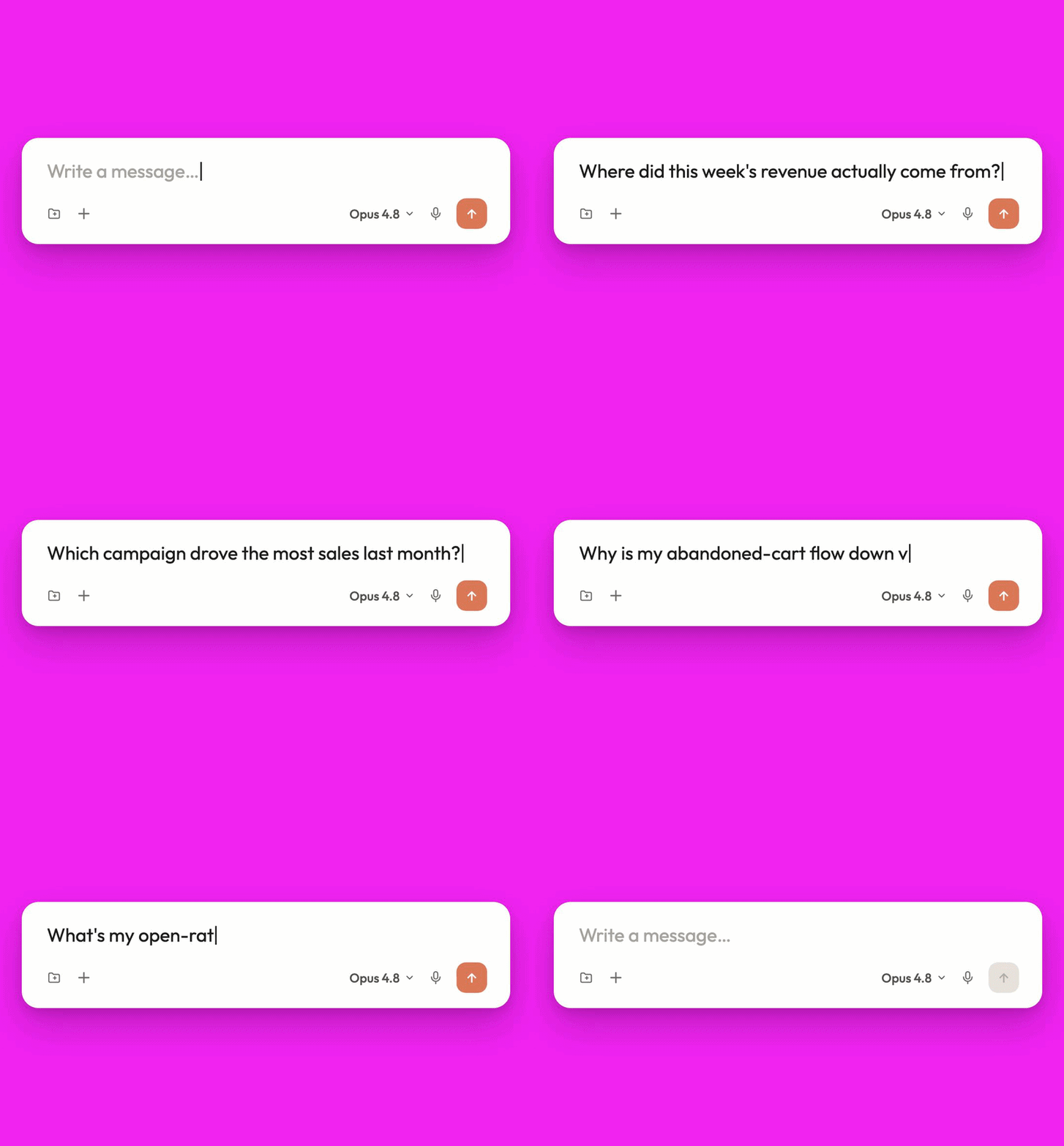
Your whole account in plain English, in under a minute: how many subscribers you've got, what's actively sending, and when you last hit send. It's the easiest way to see what the MCP can do.

AccountSnapshot

Your best campaign, ranked by revenue

Opens are nice. Revenue pays the bills. This ranks your last 30 days of sends by the number that actually matters, with orders, clicks, and opens sitting right beside it (no dashboard digging required).

Intermediate


AccountSnapshot

Week-over-week performance brief

A Monday-morning briefing you can paste straight into Slack. It catches where you gained ground and where you slipped, then tells you why (not just by how much). Numbers are easy. Knowing what to do with them is the hard part.
AccountSnapshot

Subject line DNA analysis

Forget generic "best practices." This digs into your own subject lines and the open rates they earned, then reverse-engineers what actually makes your people open. You walk away with three formulas worth reusing.

Advanced


AccountSnapshot

Full account health assessment

The audit a consultant would charge you for. It scores your account on sending cadence, automation coverage, and list health, then hands back the three fixes that'll move the needle fastest. No fluff, just a to-do list in priority order.
AccountSnapshot

Inventory-aware campaign plan

Stack your Shopify MCP on top of Drip and the guesswork disappears. The AI weighs what's in stock against what's selling, then maps two weeks of sends around it. You get a full send calendar, and nothing goes out until you say so.

It only does what you ask.

Handing an AI the keys to your marketing data is a big ask. So here's exactly what the connector can and can't do with it.

read
Read-only by default

Out of the box, it can look but not touch. The connector reads your data and changes nothing until you say so.

account
One account, your call.

You connect a single Drip account and authorize it yourself. Changed your mind? Disconnect in one click, anytime.

approve
You approve every action

Drafting, tagging, enrolling: every write waits for your go-ahead. Nothing happens on its own.

ai
Never used for training

Your data is yours, full stop. It never gets used to train AI models.
Better with your whole stack.

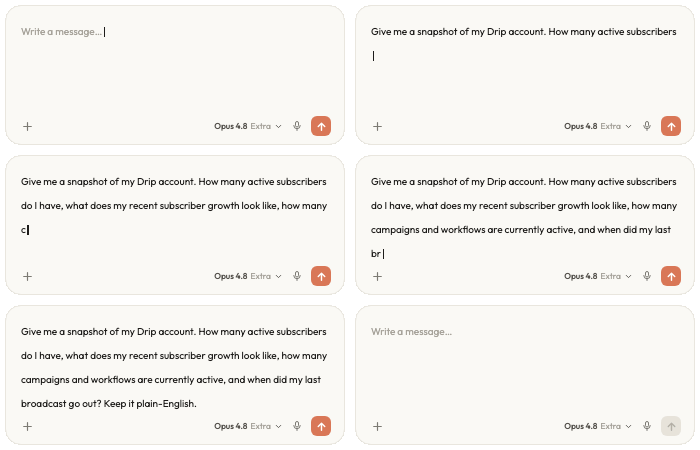
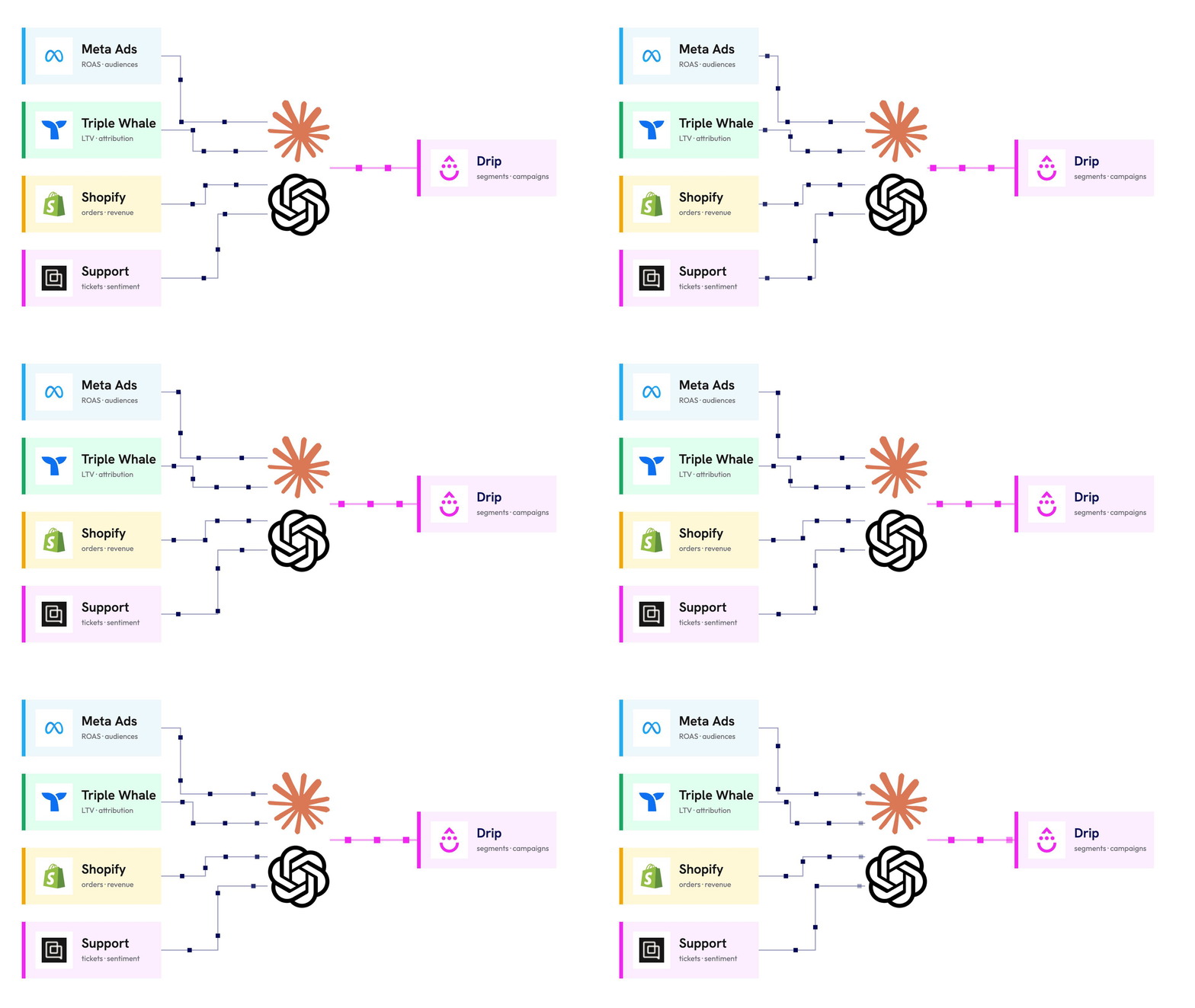
Drip doesn't work in a vacuum, and neither should your AI. Connect the other tools you already run through MCP, and your assistant pulls from all of them at once. So every email gets built on real data from across your stack.

McpConnect

Here's what that looks like in practice. Your assistant can pull live stock and sell-through from Shopify, campaign focus from Meta Ads, traffic and revenue from your analytics, and combine it with your Drip data.

Then it writes the email. One that knows what's in stock, who's worth targeting, and when to hit send.

Design the email in Claude.
Ship it from Drip.

Tell Claude what you want and it designs the email live, right in front of you. Tweak it until it's exactly on brand, then push it straight into Drip as a ready-to-send campaign.

DesignToDrip
  • Just say what you need
    Claude pulls your real products and segments so the design starts from your actual store, not a stock template.
  • Edit until it's perfect
    Claude builds the email as a live preview you can shape in real time. 
  • Push it into Drip
    Happy with it? The MCP creates the campaign in Drip for you.

Connected in about 5 clicks

Frequently asked questions.

What's MCP

MCP (Model Context Protocol) is an open standard that lets an AI assistant securely connect to outside tools and data. Think of it as a secure bridge between your AI and Drip: instead of pasting screenshots into a chat, the AI reads your live Drip data and can take actions you ask for—all without leaving the conversation.

Which AI tools work with it?

Any MCP-compatible client. Claude (desktop and web) and ChatGPT are the most common, and the connector works with other MCP clients too. For the deepest analysis, point a reasoning model at it.

Is it safe? What can it actually change?

Yes. The connector is read-only by default. Write action—drafting broadcast, tagging a segment, enrolling a flow—only happen when you explicitly ask, and you confirm before anything goes out. You authorize a single Drip account and can disconnect anytime.

Does it cost extra?

No. The Drip MCP connector is included with your Drip account at no extra cost. You'll just need an MCP-compatible AI client.

What data can it see, and why does some need enabling?

It can read broadcasts, workflows, subscribers, tags, custom fields, and account metrics. Some data—like aggregate email performance metrics— sits behind a feature flag. If it's turned off, the AI tells you plainly rather than guess. Flip the flag in your settings to unlock it.

Does it work with Shopify?

Yes. Add the Shopify MCP alongside Drip and your AI can plan campaigns around real stock levels and sell-through—moving overstock, pushing bestsellers, and running last-chance sends on almost-gone items.

Switch to Drip today.

Start a 14-day free trial of Drip, no credit card required.